
 GL043 | GL043E4.3"4.3" HMI PanelThis page covers the GL043 and GL043E model codes. The GL043 is a 4.3-inch 480 × 272 resistive HMI panel from the Green Series - Economical (GL) range, with an ARM RISC 32-bit 800 MHz processor, 128 MB RAM and 256 MB flash storage; 2 serial ports.Green Series - Economical (GL) · 4.3" · 480 × 272 · Not offered on this model · 2 serial portsView Details
 CINKR Kinco HMI Panels
Choose the Right Kinco HMI Panel for Your Machine.
Tell CINKR the machine, the panel opening and the interfaces you need, or send the label from the panel you are replacing. We narrow a suitable model code and check the cut-out, the ports and the protocol before you order.
Browse All 37 Panel ModelsQUICK SEARCH
Already know your model code?
Search by model code, such as GL070E, G2070HE or GT2156E-WIFI, and open the page that covers it.
Cannot find the model code? Send the model number or a clear photo of the panel label and we will identify it. Identify My Panel
PANEL SERIES
Browse Panels by Series.
Choose a series first, then open its page to compare the models, the display sizes and the interfaces that come with each one.
Basic Series
14 models
Cost-focused panels from 4.3 to 15 inch with resistive touch, 64 MB to 1 GB RAM and 128 MB to 4 GB flash storage for straightforward machine screens.
Explore Basic panelsStandard Series17 models
General-purpose panels from 4.3 to 15.6 inch with wide-viewing-angle displays, up to 1 GB RAM and DTools or DToolsPro configuration software.
Explore Standard panelsAdvanced Series6 models
Quad-core panels from 7 to 15.6 inch with 1 GB RAM, 8 GB flash storage, Ethernet on every panel and the EdgeAccess 2.0 remote maintenance platform.
Explore Advanced panelsALL PANELS
The Range, Model by Model.
Every card carries the display size, the resolution, the interface set and every model code published on that page.
FILTER PANELS
Basic Series · 14 panels
Cost-focused panels from 4.3 to 15 inch with resistive touch, 64 MB to 1 GB RAM and 128 MB to 4 GB flash storage for straightforward machine screens.
GL043 | GL043E4.3"4.3" HMI PanelThis page covers the GL043 and GL043E model codes. The GL043 is a 4.3-inch 480 × 272 resistive HMI panel from the Green Series - Economical (GL) range, with an ARM RISC 32-bit 800 MHz processor, 128 MB RAM and 256 MB flash storage; 2 serial ports.Green Series - Economical (GL) · 4.3" · 480 × 272 · Not offered on this model · 2 serial portsView Details 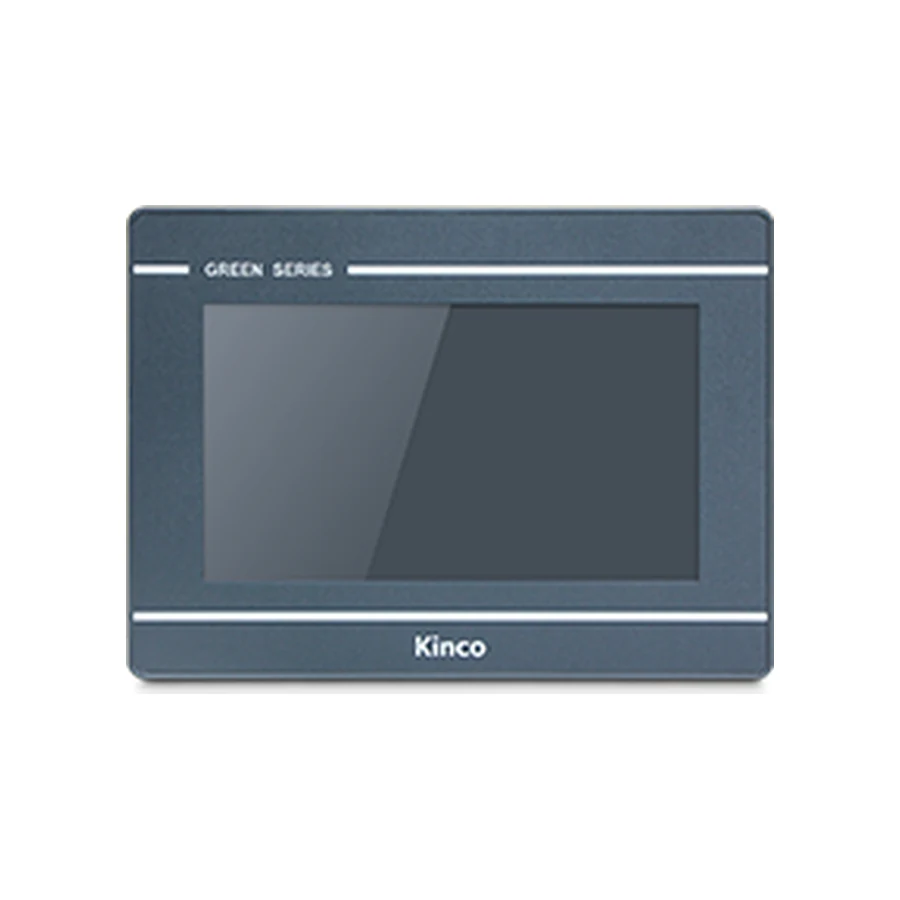 GL070 | GL070E7"7" HMI PanelThis page covers the GL070 and GL070E model codes. The GL070 is a 7-inch 800 × 480 resistive HMI panel from the Green Series - Economical (GL) range, with an ARM RISC 32-bit 800 MHz processor, 128 MB RAM and 256 MB flash storage; 2 serial ports and 1 USB host port.Green Series - Economical (GL) · 7" · 800 × 480 · Not offered on this model · 2 serial portsView Details
  GL100 | GL100E10.1"10.1" HMI PanelThis page covers the GL100 and GL100E model codes. The GL100 is a 10.1-inch 1024 × 600 resistive HMI panel from the Green Series - Economical (GL) range, with an ARM RISC 32-bit 800 MHz processor, 128 MB RAM and 256 MB flash storage; 2 serial ports and 1 USB host port.Green Series - Economical (GL) · 10.1" · 1024 × 600 · Not offered on this model · 2 serial portsView Details
 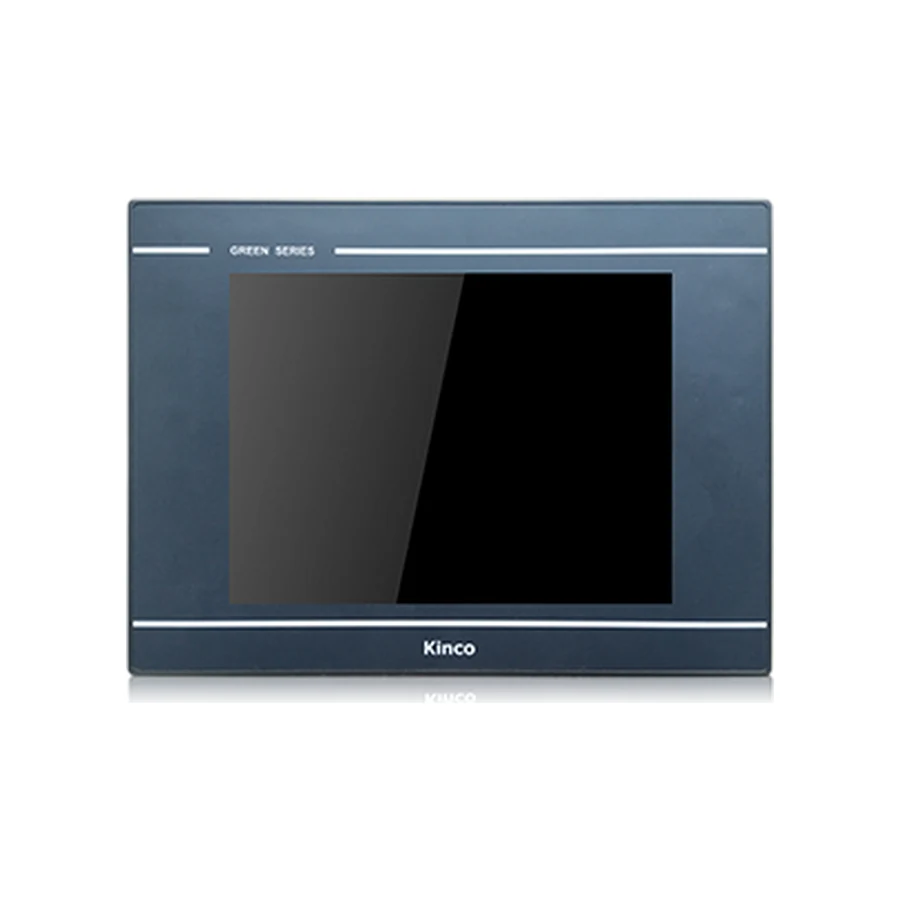 GL104E10.4"GL104E 10.4" HMI PanelThe GL104E is a 10.4-inch 800 × 600 resistive HMI panel from the Green Series - Economical (GL) range, with an ARM RISC 32-bit 800 MHz processor, 128 MB RAM and 256 MB flash storage; 1 Ethernet port, 2 serial ports and 1 USB host port.Green Series - Economical (GL) · 10.4" · 800 × 600 · 1 port · 2 serial portsView Details
  GL150E15"GL150E 15" HMI PanelThe GL150E is a 15-inch 1024 × 768 resistive HMI panel from the Green Series - Economical (GL) range, with an ARM RISC 32-bit 800 MHz processor, 128 MB RAM and 256 MB flash storage; 1 Ethernet port, 2 serial ports and 1 USB host port.Green Series - Economical (GL) · 15" · 1024 × 768 · 1 port · 2 serial portsView Details
  GL2043HE4.3"GL2043HE 4.3" HMI PanelThe GL2043HE is a 4.3-inch 800 × 480 resistive HMI panel from the Green Series 2 - General Type (GL2) range, with a dual-core ARM 1 GHz processor, 256 MB RAM and 4 GB flash storage; 1 Ethernet port and 2 serial ports.Green Series 2 - General Type (GL2) · 4.3" · 800 × 480 · 1 port · 2 serial portsView Details
 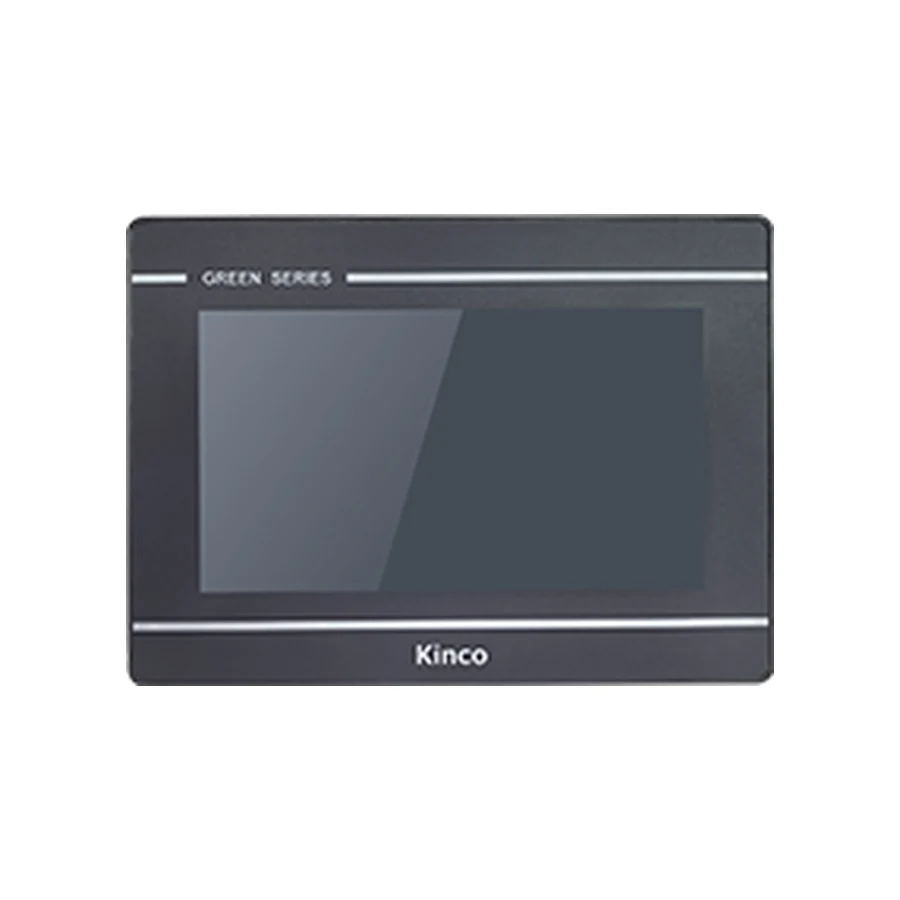 GL2070HE | GL2070HE-4G | GL2070HE-WIFI7"7" HMI PanelThis page covers the GL2070HE, GL2070HE-4G and GL2070HE-WIFI model codes. The GL2070HE is a 7-inch 1024 × 600 resistive HMI panel from the Green Series 2 - General Type (GL2) range, with a dual-core ARM 1 GHz processor, 256 MB RAM and 4 GB flash storage; 1 Ethernet port, 3 serial ports, 1 USB host port, Wi-Fi and 4G.Green Series 2 - General Type (GL2) · 7" · 1024 × 600 · 1 port · 3 serial ports · Wi-Fi · 4GView Details
  GL2100E | GL2100E-4G | GL2100E-WIFI | GL2101E | GL2101E-4G | GL2101E-WIFI10.1"10.1" HMI PanelThis page covers the GL2100E, GL2100E-4G, GL2100E-WIFI, GL2101E, GL2101E-4G and GL2101E-WIFI model codes. The GL2100E is a 10.1-inch 1024 × 600 resistive HMI panel from the Green Series 2 - General Type (GL2) range, with a dual-core ARM 1 GHz processor, 256 MB RAM and 4 GB flash storage; 1 Ethernet port, 3 serial ports, 1 USB host port, Wi-Fi and 4G.Green Series 2 - General Type (GL2) · 10.1" · 1024 × 600 · 1 port · 3 serial ports · Wi-Fi · 4GView Details
  MT043 | MT043E4.3"4.3" HMI PanelThis page covers the MT043 and MT043E model codes. The MT043 is a 4.3-inch 480 × 272 resistive HMI panel from the Mass Series (MT) range, with an ARM RISC 32-bit 792 MHz processor, 64 MB RAM and 128 MB flash storage; 2 serial ports and 1 USB host port.Mass Series (MT) · 4.3" · 480 × 272 · Not offered on this model · 2 serial portsView Details
 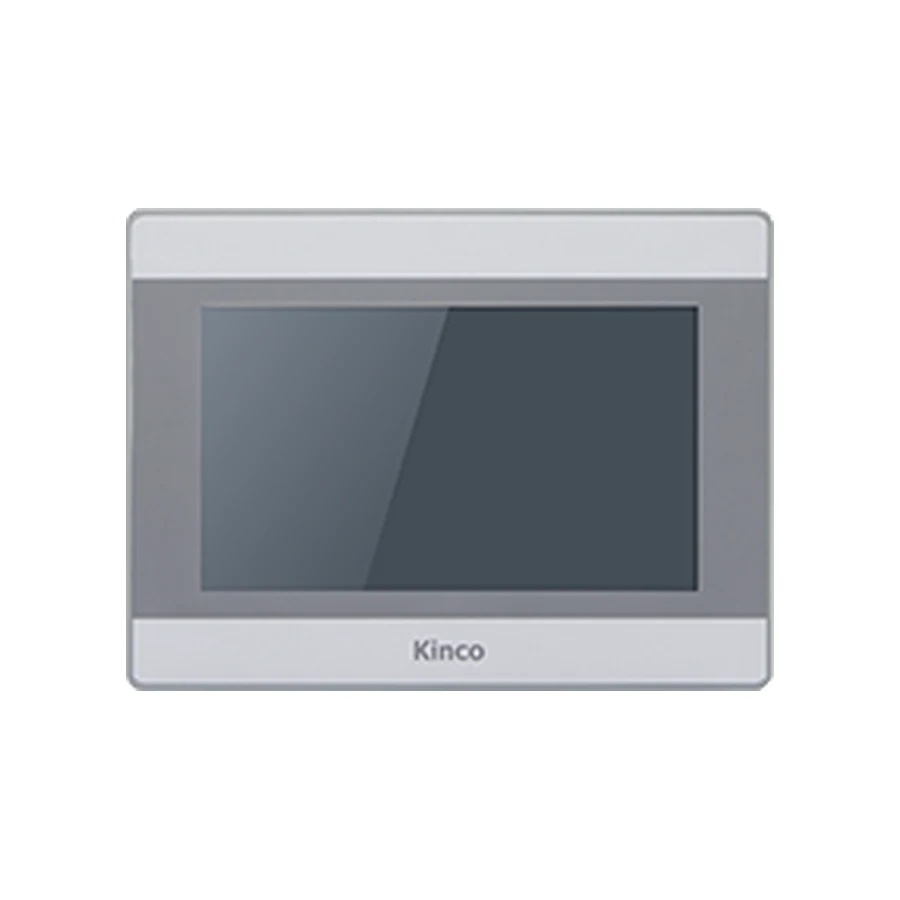 MT070 | MT070C | MT070E | MT070E-4G | MT070EC7"7" HMI PanelThis page covers the MT070, MT070C, MT070E, MT070E-4G and MT070EC model codes. The MT070 is a 7-inch 800 × 480 resistive HMI panel from the Mass Series (MT) range, with an ARM RISC 32-bit 792 MHz processor, 64 MB RAM and 128 MB flash storage; 3 serial ports, 1 USB host port and 4G.Mass Series (MT) · 7" · 800 × 480 · Not offered on this model · 3 serial ports · 4GView Details
  MT100 | MT100E | MT100E-4G10.1"10.1" HMI PanelThis page covers the MT100, MT100E and MT100E-4G model codes. The MT100 is a 10.1-inch 1024 × 600 resistive HMI panel from the Mass Series (MT) range, with an ARM RISC 32-bit 792 MHz processor, 64 MB RAM and 128 MB flash storage; 3 serial ports, 1 USB host port and 4G.Mass Series (MT) · 10.1" · 1024 × 600 · Not offered on this model · 3 serial ports · 4GView Details
  M2043H | M2043HE4.3"4.3" HMI PanelThis page covers the M2043H and M2043HE model codes. The M2043H is a 4.3-inch 800 × 480 resistive HMI panel from the Mass Series 2 (M2) range, with a dual-core ARM 1 GHz processor, 128 MB RAM and 256 MB flash storage; 2 serial ports and 1 USB host port.Mass Series 2 (M2) · 4.3" · 800 × 480 · Not offered on this model · 2 serial portsView Details
 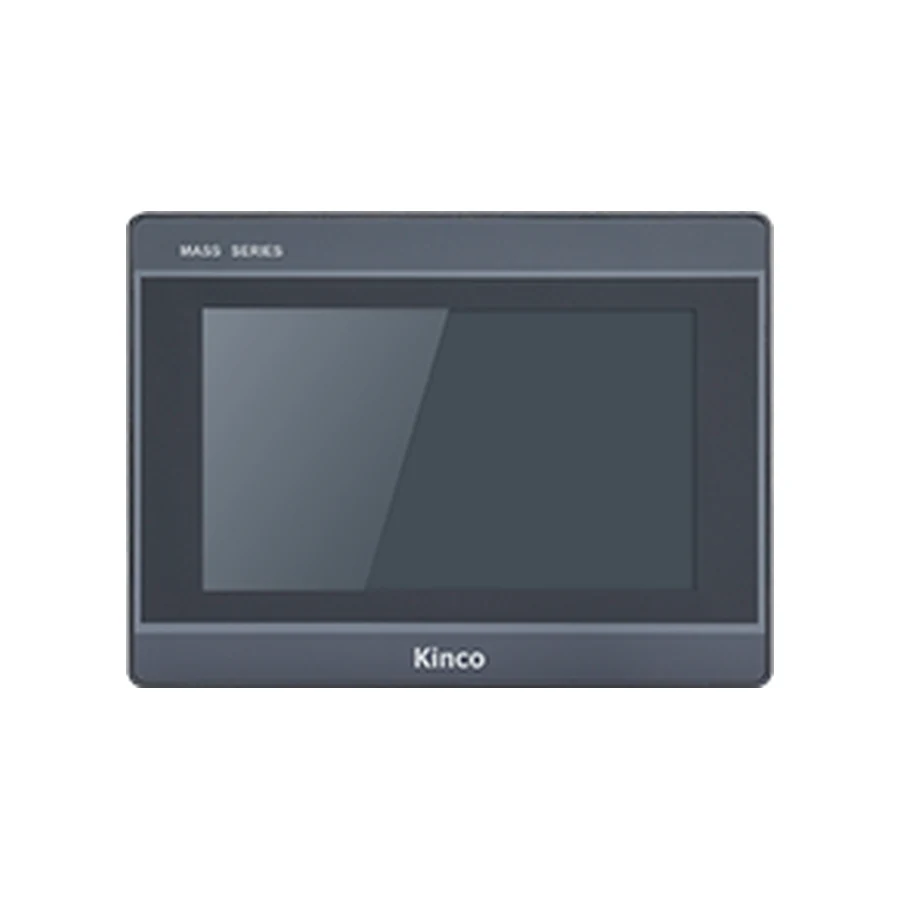 M2070H | M2070HE | M2070HE-WIFI7"7" HMI PanelThis page covers the M2070H, M2070HE and M2070HE-WIFI model codes. The M2070H is a 7-inch 1024 × 600 resistive HMI panel from the Mass Series 2 (M2) range, with a dual-core ARM 1 GHz processor, 128 MB RAM and 256 MB flash storage; 3 serial ports, 1 USB host port and Wi-Fi.Mass Series 2 (M2) · 7" · 1024 × 600 · Not offered on this model · 3 serial ports · Wi-FiView Details
  M2100 | M2100E | M2100E-WIFI10.1"10.1" HMI PanelThis page covers the M2100, M2100E and M2100E-WIFI model codes. The M2100 is a 10.1-inch 1024 × 600 resistive HMI panel from the Mass Series 2 (M2) range, with a dual-core ARM 1 GHz processor, 128 MB RAM and 256 MB flash storage; 3 serial ports, 1 USB host port and Wi-Fi.Mass Series 2 (M2) · 10.1" · 1024 × 600 · Not offered on this model · 3 serial ports · Wi-FiView Details
 Standard Series · 17 panels
General-purpose panels from 4.3 to 15.6 inch with wide-viewing-angle displays, up to 1 GB RAM and DTools or DToolsPro configuration software.
 GH043 | GH043E4.3"4.3" HMI PanelThis page covers the GH043 and GH043E model codes. The GH043 is a 4.3-inch 480 × 272 resistive HMI panel from the Green Series - Enhanced (GH) range, with an ARM RISC 32-bit 792 MHz processor, 128 MB RAM and 256 MB flash storage; 2 serial ports and 1 USB host port.Green Series - Enhanced (GH) · 4.3" · 480 × 272 · Not offered on this model · 2 serial portsView Details
  GH070 | GH070E7"7" HMI PanelThis page covers the GH070 and GH070E model codes. The GH070 is a 7-inch 800 × 480 resistive HMI panel from the Green Series - Enhanced (GH) range, with an ARM RISC 32-bit 792 MHz processor, 128 MB RAM and 256 MB flash storage; 4 serial ports and 1 USB host port.Green Series - Enhanced (GH) · 7" · 800 × 480 · Not offered on this model · 4 serial portsView Details
 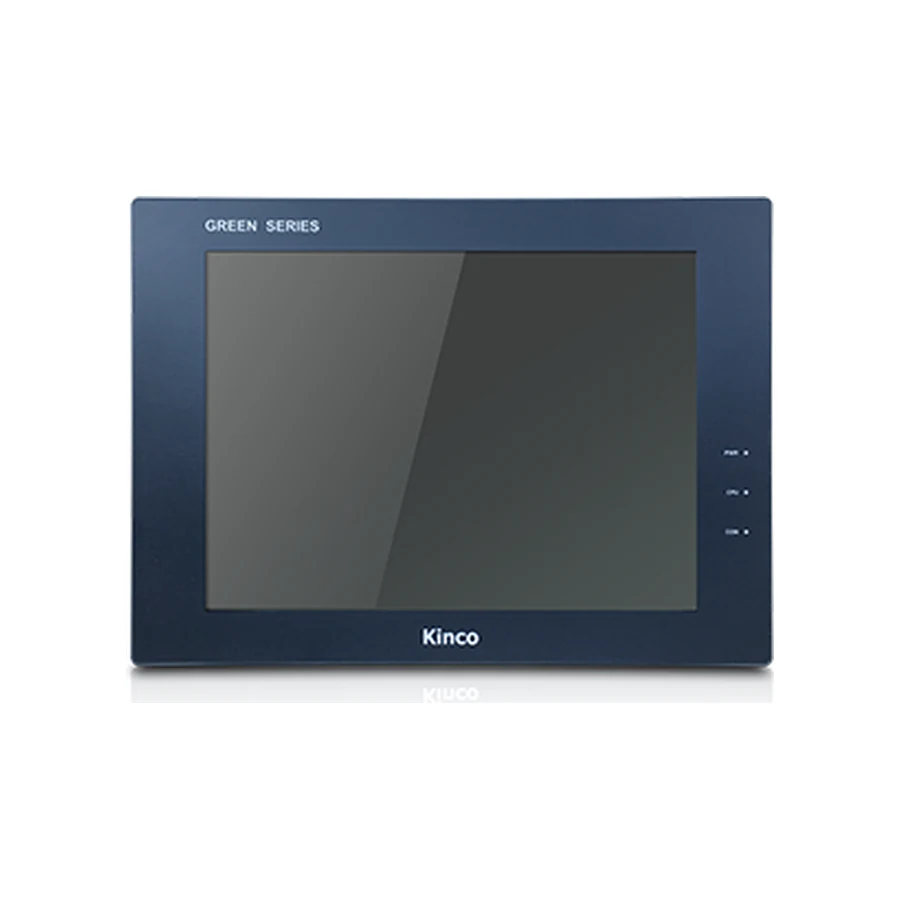 GH104E10.4"GH104E 10.4" HMI PanelThe GH104E is a 10.4-inch 800 × 600 resistive HMI panel from the Green Series - Enhanced (GH) range, with an ARM RISC 32-bit 792 MHz processor, 128 MB RAM and 256 MB flash storage; 1 Ethernet port, 4 serial ports and 1 USB host port.Green Series - Enhanced (GH) · 10.4" · 800 × 600 · 1 port · 4 serial portsView Details
  GH150E15"GH150E 15" HMI PanelThe GH150E is a 15-inch 1024 × 768 resistive HMI panel from the Green Series - Enhanced (GH) range, with an ARM RISC 32-bit 800 MHz processor, 128 MB RAM and 256 MB flash storage; 1 Ethernet port, 4 serial ports and 1 USB host port.Green Series - Enhanced (GH) · 15" · 1024 × 768 · 1 port · 4 serial portsView Details
 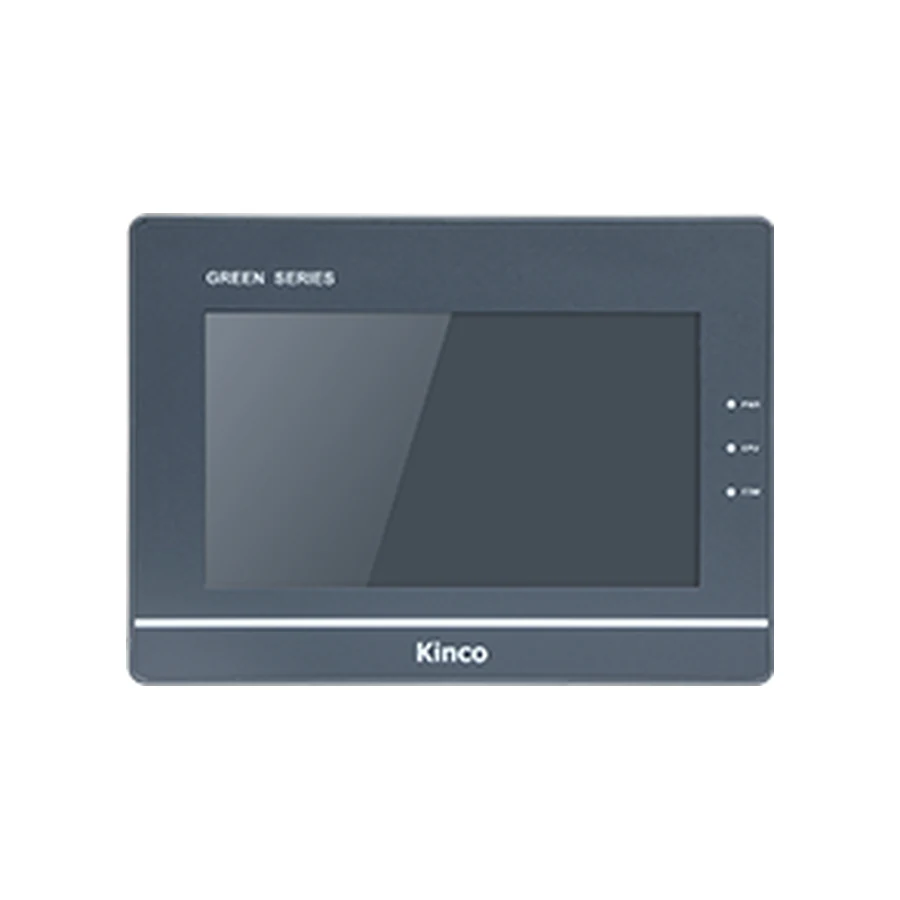 G070 | G070(UL) | G070E | G070E(UL) | G070E-CAN7"7" HMI PanelThis page covers the G070, G070(UL), G070E, G070E(UL) and G070E-CAN model codes. The G070 is a 7-inch 800 × 480 resistive HMI panel from the Green Series - Standard Type (G1) range, with an ARM RISC 32-bit 800 MHz processor, 128 MB RAM and 256 MB flash storage; 3 serial ports, 1 USB host port and CANopen.Green Series - Standard Type (G1) · 7" · 800 × 480 · Not offered on this model · 3 serial ports · CANopenView Details
  G100 | G100E10.1"10.1" HMI PanelThis page covers the G100 and G100E model codes. The G100 is a 10.1-inch 1024 × 600 resistive HMI panel from the Green Series - Standard Type (G1) range, with an ARM RISC 32-bit 800 MHz processor, 128 MB RAM and 256 MB flash storage; 3 serial ports and 1 USB host port.Green Series - Standard Type (G1) · 10.1" · 1024 × 600 · Not offered on this model · 3 serial portsView Details
  G121E12.1"G121E 12.1" HMI PanelThe G121E is a 12.1-inch 800 × 600 resistive HMI panel from the Green Series - Standard Type (G1) range, with an ARM RISC 32-bit 800 MHz processor, 128 MB RAM and 256 MB flash storage; 1 Ethernet port, 3 serial ports and 1 USB host port.Green Series - Standard Type (G1) · 12.1" · 800 × 600 · 1 port · 3 serial portsView Details
 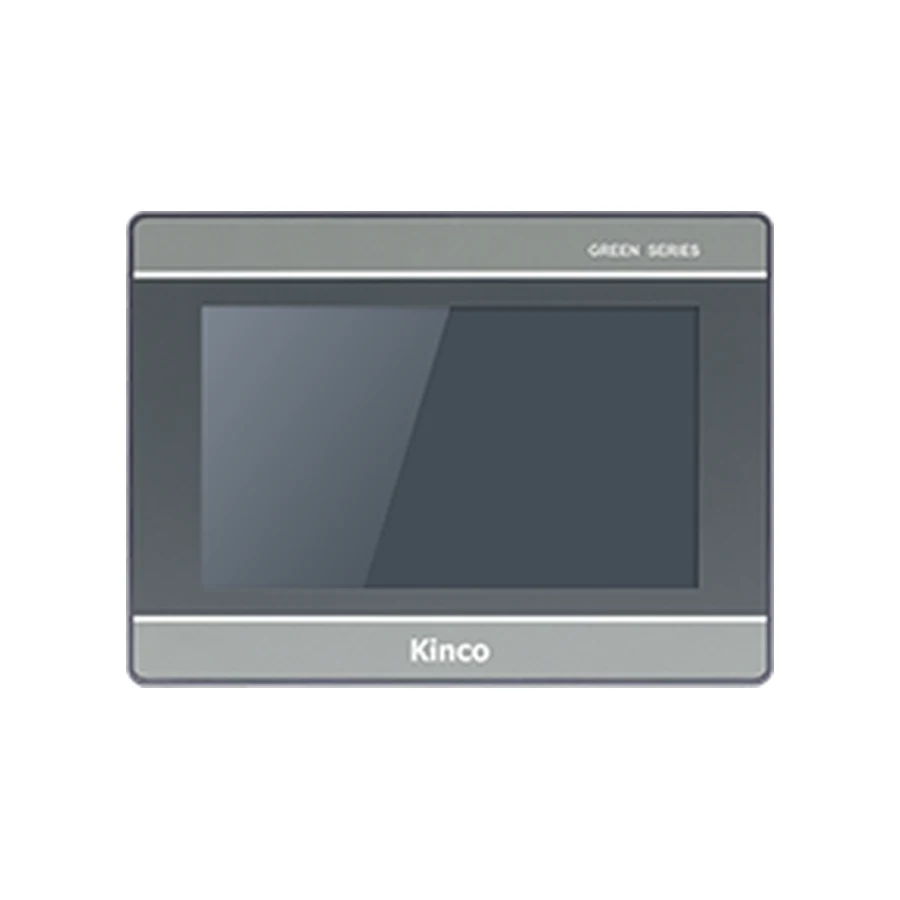 G2070HE | G2070HE-4G | G2070HE-WIFI | G2070HE27"7" HMI PanelThis page covers the G2070HE, G2070HE-4G, G2070HE-WIFI and G2070HE2 model codes. The G2070HE is a 7-inch 1024 × 600 resistive HMI panel from the Green Series 2 (G2) range, with a quad-core ARM 1.5 GHz processor, 512 MB RAM and 4 GB flash storage; 1 Ethernet port, 3 serial ports, 1 USB host port, Wi-Fi and 4G.Green Series 2 (G2) · 7" · 1024 × 600 · 1 port · 3 serial ports · Wi-Fi · 4GView Details
  G2100E | G2100E-4G | G2100E-WIFI | G2100E2 | G2101E | G2101E-4G | G2101E210.1"10.1" HMI PanelThis page covers the G2100E, G2100E-4G, G2100E-WIFI, G2100E2, G2101E, G2101E-4G and G2101E2 model codes. The G2100E is a 10.1" panel listed in the Green Series 2 (G2) range. The reference specification table for this code is empty, so the display, port and cut-out data are confirmed from a drawing before ordering.Green Series 2 (G2) · 10.1" · Wi-FiView Details
  G2121E2 | G2121E2-4G12.1"12.1" HMI PanelThis page covers the G2121E2 and G2121E2-4G model codes. The G2121E2 is a 12.1" panel listed in the Green Series 2 (G2) range. The reference specification table for this code is empty, so the display, port and cut-out data are confirmed from a drawing before ordering.Green Series 2 (G2) · 12.1" · Confirm the interface setView Details
  G2150E215"G2150E2 15" HMI PanelThe G2150E2 is a 15" panel listed in the Green Series 2 (G2) range. The reference specification table for this code is empty, so the display, port and cut-out data are confirmed from a drawing before ordering.Green Series 2 (G2) · 15" · Confirm the interface setView Details
  G2156E | G2156E-WIFI | G2156E215.6"15.6" HMI PanelThis page covers the G2156E, G2156E-WIFI and G2156E2 model codes. The G2156E is a 15.6" panel listed in the Green Series 2 (G2) range. The reference specification table for this code is empty, so the display, port and cut-out data are confirmed from a drawing before ordering.Green Series 2 (G2) · 15.6" · Wi-FiView Details
  GT2070HE7"GT2070HE 7" HMI PanelThe GT2070HE is a 7-inch 1024 × 600 resistive HMI panel from the Green Series 2 (GT2) range, with a quad-core ARM 1.5 GHz processor, 512 MB RAM and 4 GB flash storage; 1 Ethernet port, 3 serial ports and 1 USB host port.Green Series 2 (GT2) · 7" · 1024 × 600 · 1 port · 3 serial portsView Details
  GT2100E | GT2101E10.1"10.1" HMI PanelThis page covers the GT2100E and GT2101E model codes. The GT2100E is a 10.1-inch 1024 × 600 resistive HMI panel from the Green Series 2 (GT2) range, with a quad-core ARM 1.5 GHz processor, 512 MB RAM and 4 GB flash storage; 1 Ethernet port, 3 serial ports and 1 USB host port.Green Series 2 (GT2) · 10.1" · 1024 × 600 · 1 port · 3 serial portsView Details
  GT2121E212.1"GT2121E2 12.1" HMI PanelThe GT2121E2 is a 12.1-inch 1280 × 800 resistive HMI panel from the Green Series 2 (GT2) range, with a quad-core ARM 1.5 GHz processor, 512 MB RAM and 4 GB flash storage; 2 Ethernet ports, 3 serial ports and 1 USB host port.Green Series 2 (GT2) · 12.1" · 1280 × 800 · 2 ports · 3 serial portsView Details
  GT2150E215"GT2150E2 15" HMI PanelThe GT2150E2 is a 15-inch 1024 × 768 resistive HMI panel from the Green Series 2 (GT2) range, with a quad-core ARM 1.5 GHz processor, 512 MB RAM and 4 GB flash storage; 2 Ethernet ports, 3 serial ports and 1 USB host port.Green Series 2 (GT2) · 15" · 1024 × 768 · 2 ports · 3 serial portsView Details
 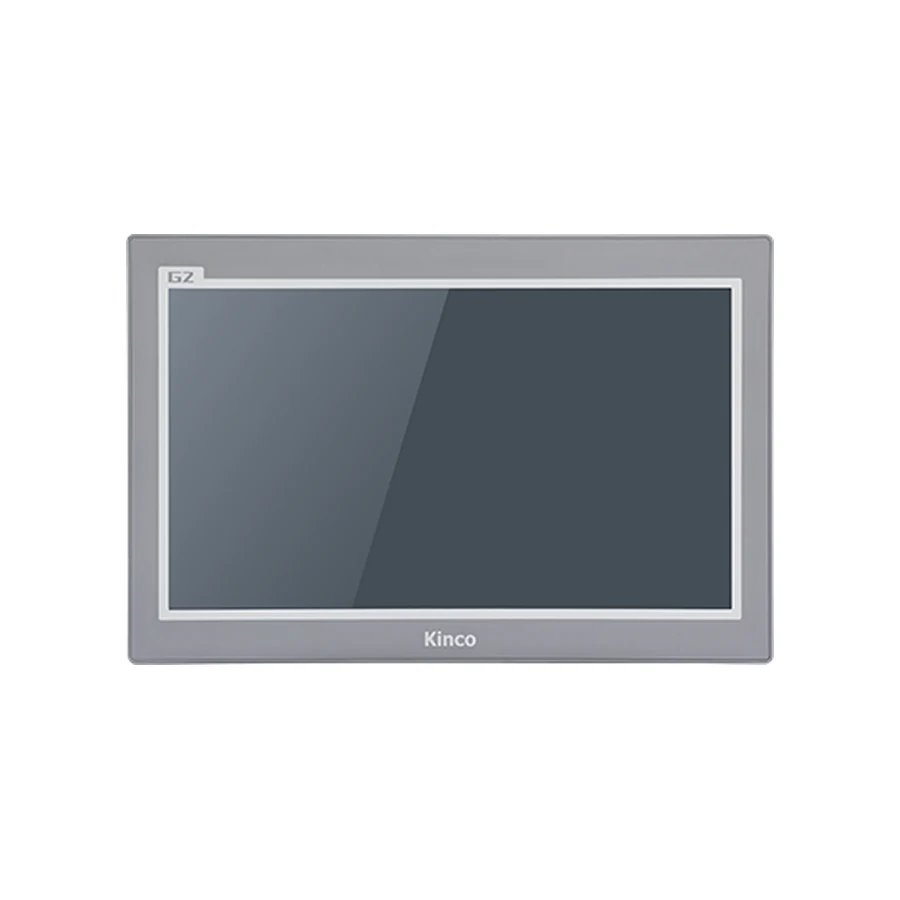 GT2156E-WIFI15.6"GT2156E-WIFI 15.6" HMI PanelThe GT2156E-WIFI is a 15.6-inch 1920 × 1080 resistive HMI panel from the Green Series 2 (GT2) range, with a quad-core ARM 1.5 GHz processor, 512 MB RAM and 4 GB flash storage; 1 Ethernet port, 2 serial ports, 1 USB host port and Wi-Fi.Green Series 2 (GT2) · 15.6" · 1920 × 1080 · 1 port · 2 serial ports · Wi-FiView Details
 Advanced Series · 6 panels
Quad-core panels from 7 to 15.6 inch with 1 GB RAM, 8 GB flash storage, Ethernet on every panel and the EdgeAccess 2.0 remote maintenance platform.
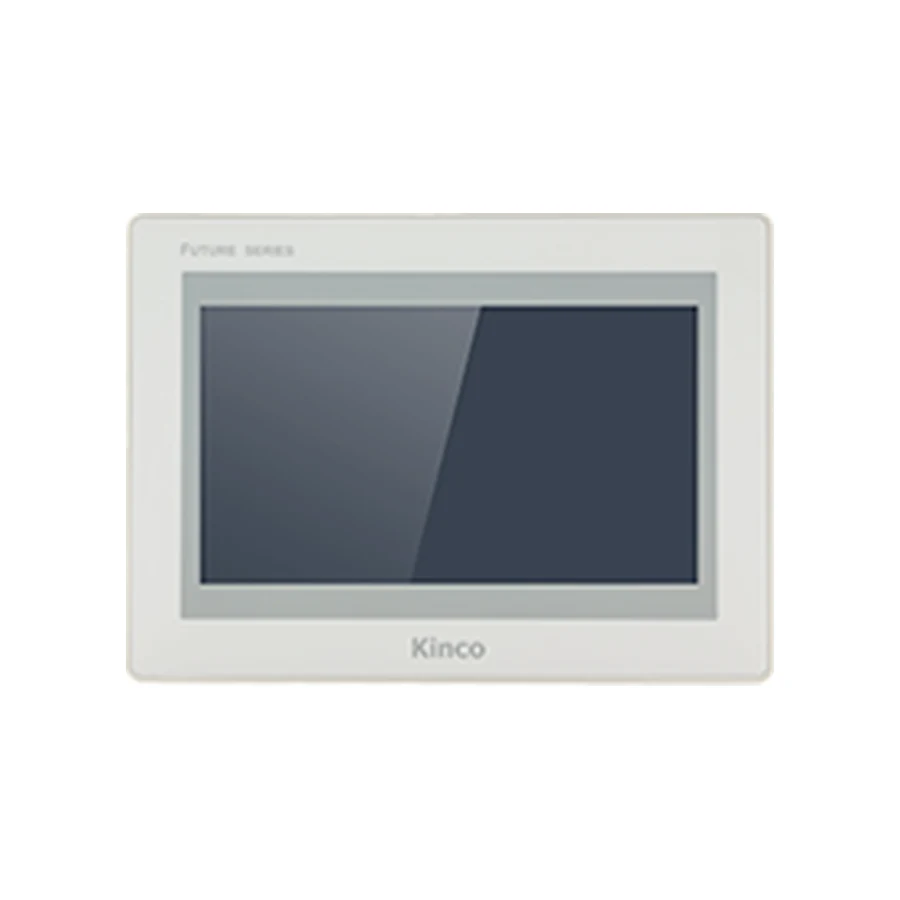 F2070E7"F2070E 7" HMI PanelThe F2070E is a 7-inch 1024 × 600 resistive HMI panel from the FUTURE Series 2 range, with a quad-core ARM 1.8 GHz processor, 1 GB RAM and 8 GB flash storage; 1 Ethernet port, 3 serial ports and 1 USB host port.FUTURE Series 2 · 7" · 1024 × 600 · 1 port · 3 serial portsView Details
 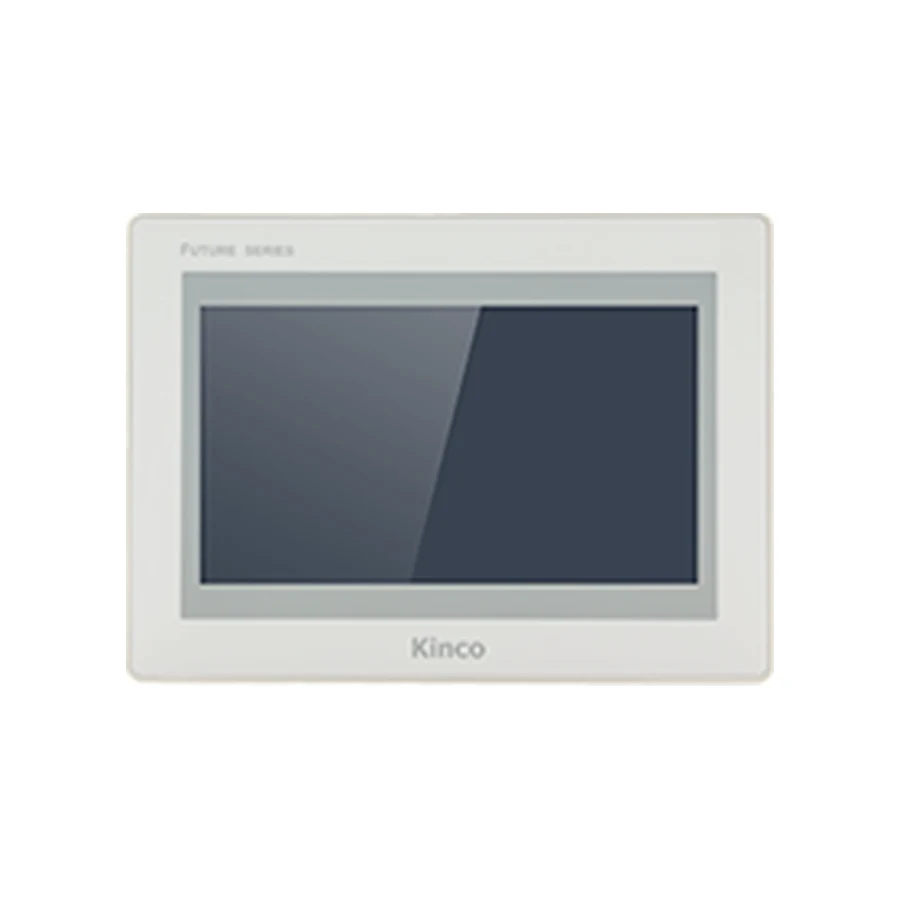 F2070E2 | F2070E2(UL)7"7" HMI PanelThis page covers the F2070E2 and F2070E2(UL) model codes. The F2070E2 is a 7-inch 800 × 480 resistive HMI panel from the FUTURE Series 2 range, with a quad-core ARM 1.8 GHz processor, 1 GB RAM and 8 GB flash storage; 2 Ethernet ports, 3 serial ports and 1 USB host port.FUTURE Series 2 · 7" · 800 × 480 · 2 ports · 3 serial portsView Details
  F2100E | F2100E2 | F2100E2(UL)10.1"10.1" HMI PanelThis page covers the F2100E, F2100E2 and F2100E2(UL) model codes. The F2100E is a 10.1-inch 1024 × 600 resistive HMI panel from the FUTURE Series 2 range, with a quad-core ARM 1.8 GHz processor, 1 GB RAM and 8 GB flash storage; 1 Ethernet port, 3 serial ports and 1 USB host port.FUTURE Series 2 · 10.1" · 1024 × 600 · 1 port · 3 serial portsView Details
  F2121E | F2121E2 | F2121E2(UL)12.1"12.1" HMI PanelThis page covers the F2121E, F2121E2 and F2121E2(UL) model codes. The F2121E is a 12.1-inch 1280 × 800 resistive HMI panel from the FUTURE Series 2 range, with a quad-core ARM 1.8 GHz processor, 1 GB RAM and 8 GB flash storage; 1 Ethernet port, 3 serial ports and 1 USB host port.FUTURE Series 2 · 12.1" · 1280 × 800 · 1 port · 3 serial portsView Details
 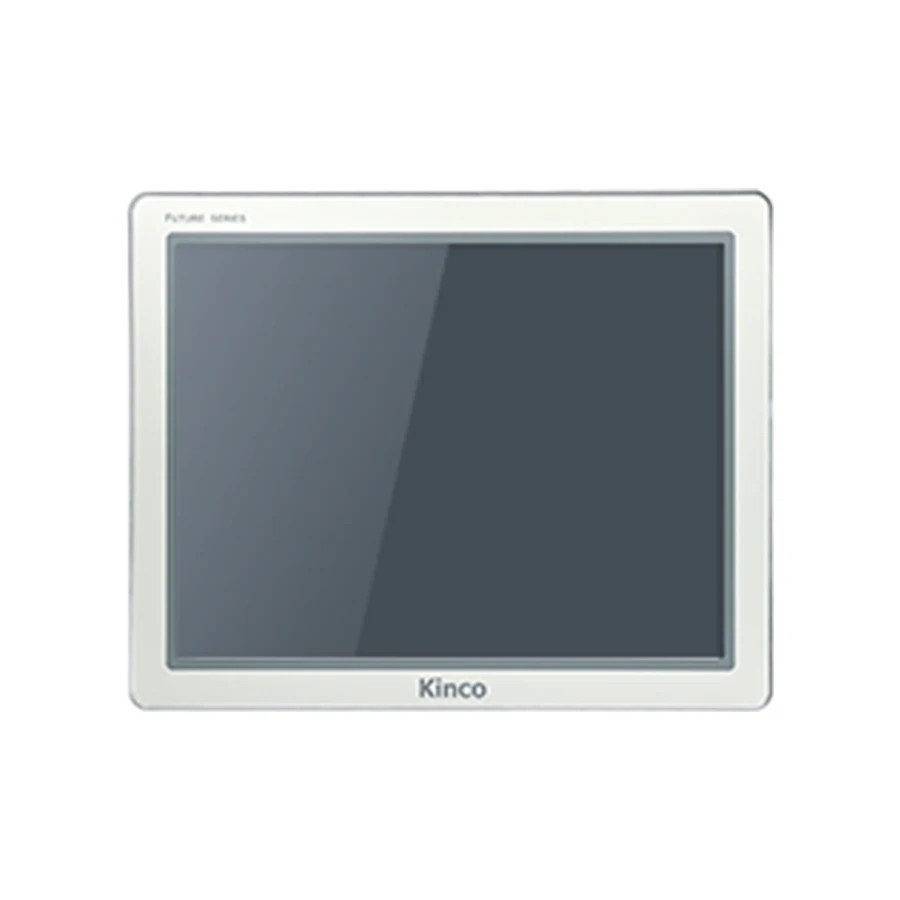 F2150E215"F2150E2 15" HMI PanelThe F2150E2 is a 15-inch 1024 × 768 resistive HMI panel from the FUTURE Series 2 range, with a quad-core ARM 1.8 GHz processor, 1 GB RAM and 8 GB flash storage; 2 Ethernet ports, 3 serial ports, 1 USB host port and Wi-Fi.FUTURE Series 2 · 15" · 1024 × 768 · 2 ports · 3 serial ports · Wi-FiView Details
  F2156E | F2156E2 | F2156E2(UL)15.6"15.6" HMI PanelThis page covers the F2156E, F2156E2 and F2156E2(UL) model codes. The F2156E is a 15.6-inch 1920 × 1080 resistive HMI panel from the FUTURE Series 2 range, with a quad-core ARM 1.8 GHz processor, 1 GB RAM and 8 GB flash storage; 1 Ethernet port, 2 serial ports and 1 USB host port.FUTURE Series 2 · 15.6" · 1920 × 1080 · 1 port · 2 serial portsView Details
 Where These Panels Are Used.
Panels of this class run machine tools, packaging and filling lines, textile and printing machinery, battery and solar production equipment, rubber and plastics machines and lifting equipment.
CNC Machine ToolsMilling, turning and grinding machines that show axis position, tool data and alarms at the machine.
Packaging & Food MachineryFilling, sealing and labelling lines that run a recipe and a short sequence from the panel.
Textile & Printing MachineryWinding, knitting and printing machines that set tension, speed and register values.
Battery & Solar ProductionCoating, winding and test stations where several panels share one project file.
Rubber & Plastics MachineryInjection, extrusion and mixing machines with temperature loops and a process trend.
Elevators & Lifting EquipmentHoists, lifts and transfer stations that report status and fault codes to the operator.
Why Source Kinco HMI Panels Through CINKR?
Model Code Matching
Send the machine type, the panel size and the interfaces in use. We narrow the model code that matches the cabinet instead of the code that looks closest on paper.
Cut-out and Depth Check
The panel opening, the body depth and the connector positions decide whether a panel can be fitted. These are checked against the machine before quotation.
Interface Review
Serial channel arrangements, Ethernet port counts, USB routes and optional Wi-Fi, 4G or CANopen interfaces are compared with the machine program.
Documentation Support
Manuals, dimension drawings, software information and certificate details are prepared with the quotation where they are available.
Model code matchingCut-out and depth reviewManuals, drawings and softwareDirect quotation preparation
SUPPORT & DOWNLOADS
Manuals, Drawings, Software & Certificates.
Technical documents help you confirm a panel before purchase and support installation afterwards. Availability depends on the model code and the hardware revision.
Manuals
Operating instructions, parameter references, key functions and panel setup information for the model codes in this range.
Released with the quotation once the exact model code is confirmed.Dimension Drawings
Panel outline, panel cut-out and depth drawings used to check the opening in a machine door before ordering.
Released with the quotation because the drawing follows the exact model code.Configuration Software
Kinco DTools and Kinco DTools Pro project software, and the EdgeAccess 2.0 remote maintenance platform on the Advanced series.
Version and generation are confirmed before a package is released.Certificates
CE testing details and UL certification records for the model codes that carry them.
Certificate copies are provided for the exact model code after confirmation.One Panel Range, Three Buyer Journeys.
Machine Builders
Source panels for a new machine or a series of machine variants, with the display size, the interface set and the panel depth matched to the cabinet design.
Discuss a Machine-Build RequirementDistributors & Stocking Buyers
Compare model codes across the three series and request quotations for repeat purchasing, mixed orders or planned inventory.
Request a Distributor QuoteReplacement & Repair Buyers
Replacing a panel on a running machine? Send the label, the measured opening and the connector photos before ordering.
Check My ReplacementFrom Machine Requirement to Panel Selection.
- 1
Describe the Machine
Send the machine type, the panel size, the interfaces in use and the protocol the program expects.
- 2
Narrow the Model Codes
Use the panel filter or compare the model codes on a product page to find the sizes and interface sets that fit.
- 3
Verify the Fit
Confirm the cut-out, the panel depth, the port arrangement, the power supply and the configuration software.
- 4
Request a Quote
Send the model code, the quantity, the destination country and the machine details for quotation and final confirmation.
Questions Buyers Ask Before Ordering.
How do I know which panel fits my machine?
Start with the panel opening and the display size, then list the interfaces the machine uses and the protocol the program expects. The model code on the existing panel label, the measured opening and the connector photos are usually enough to narrow the correct panel in the Kinco HMI range.
Why do several model codes share one page?
Model codes in the same generation that share a display size and resolution are published together, because they differ only in interface options, memory, panel depth or certification. The page lists every model code and the differences between them, so the exact code still has to be confirmed against the cabinet.
Can a panel with the same display size be used as a replacement?
The display size is only the starting point. The cut-out, the panel depth, the port arrangement, the power supply and the protocol have to be checked as well, and the project file has to be checked for interfaces the new panel does not provide.
Which touch technology do these panels use?
The panels in the Basic, Standard and Advanced series are published with 4-wire resistive touch, which works with gloves and a stylus. A capacitive or optically bonded front belongs to another product family in the same catalogue.
How is a project transferred to the panel?
Depending on the model code, the project is transferred over USB, over Ethernet or from a USB stick inserted in the panel. The published USB and Ethernet ports show which routes the model code supports, and the project is edited in Kinco DTools or Kinco DTools Pro.
What should I include with a quotation request?
Send the model code if it is known, the machine type, the measured panel opening and depth, the interfaces in use, the protocol and the quantity, plus photos of the label and the connector area for a replacement. That is enough to confirm the code and the accessories in one step.
REQUEST A QUOTE
Need a Panel Quote?
Send the model code you need, or describe the machine and the panel opening. For replacements, include the label details so the code can be checked against the cabinet. This form only prepares your message; it does not submit or store your information.
LATEST GUIDES
Practical Answers Before You Order.
Clear guidance for panel selection, display and touch comparison, replacement preparation and communication setup.
HMI Communication Ports and Program Transfer
Serial channels, Ethernet, USB and wireless options each do a different job. Decide which ones the machine needs before comparing panel codes.
Read GuideHMI Display Sizes and Touch Types Compared
Size, resolution, brightness and touch technology are four separate decisions. This comparison separates them so the panel fits the machine and the operator.
Read GuideHMI Panel Replacement Checklist Before You Order
A replacement panel that matches the display size can still fail on depth, power or protocol. Check these five items before ordering.
Read GuideHow to Choose a Kinco HMI Panel by Size and Ports
The panel opening, the operator position and the port set narrow the range faster than the processor. Work through them in that order.
Read GuideABOUT THE RANGE
About Kinco HMI Panels
This site covers the Kinco HMI panels published in the Basic, Standard and Advanced series: 37 pages from 4.3 to 15.6 inch, with the display, interface, power, mechanical and certification values taken from the reference specification tables.
CINKR supplies these panels and helps machine builders, maintenance teams and replacement buyers confirm the model code, the cut-out and the interface set before ordering. Values that the reference table does not publish are marked as confirm-before-ordering instead of being estimated. This site covers the full model range, with manuals, drawings, software and certificate details for panel selection and replacement.