Why the Display Size Is Not Enough
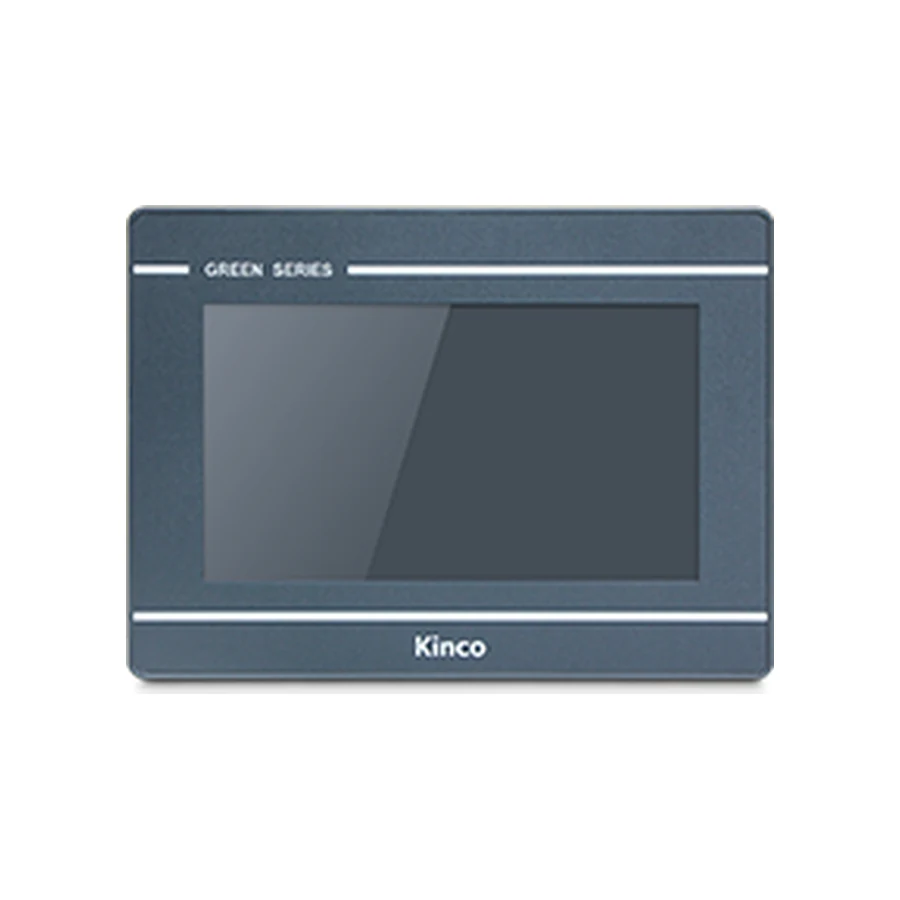
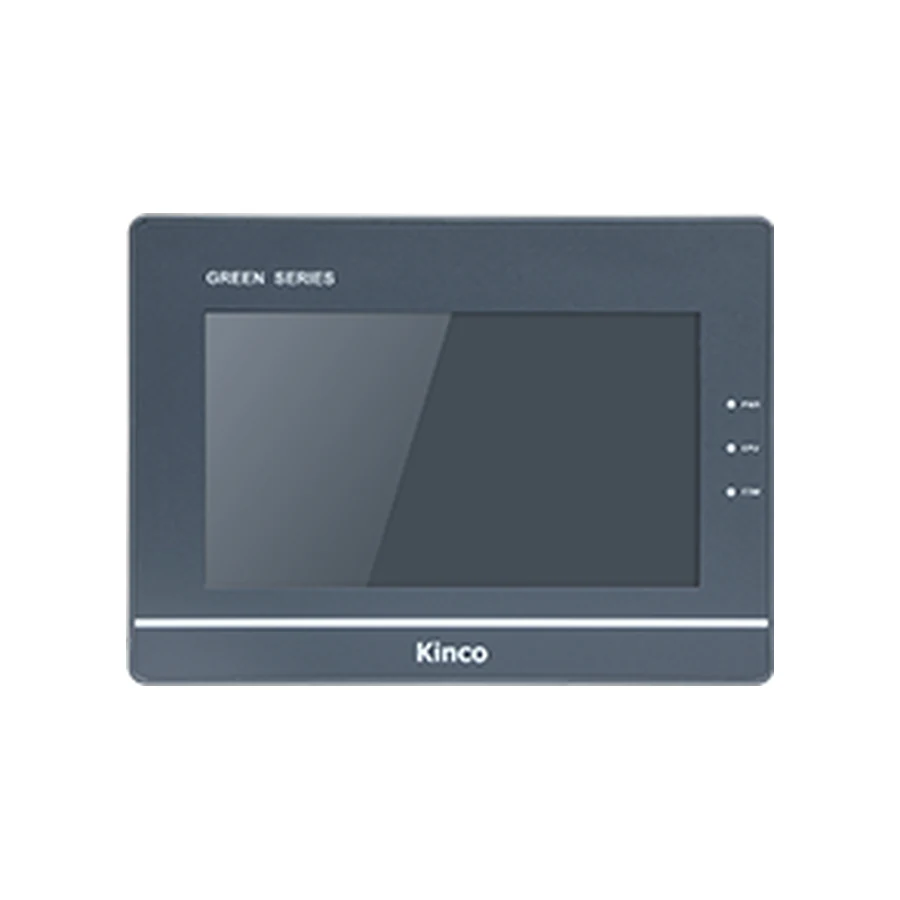
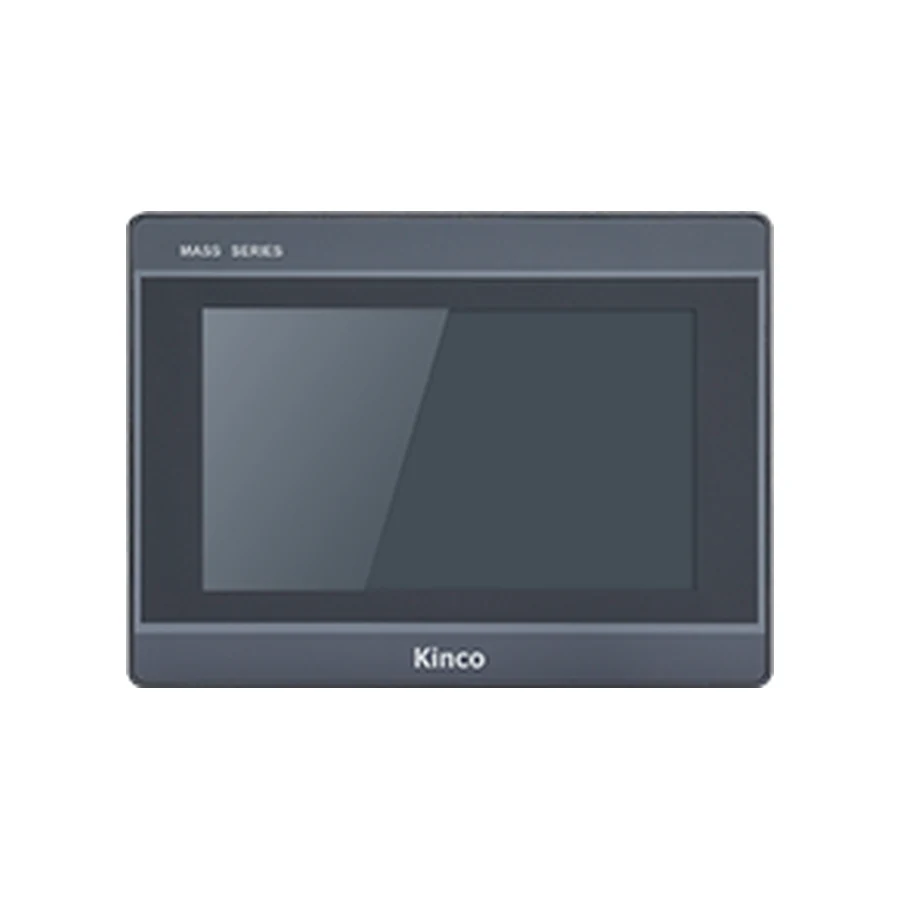
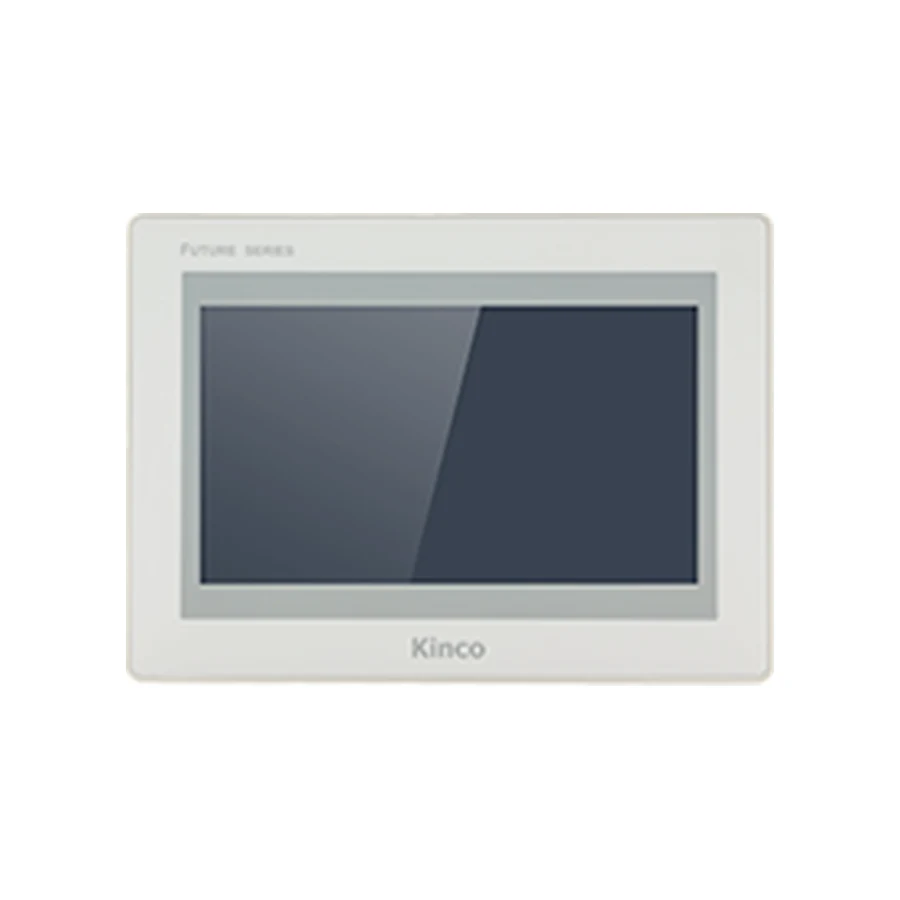
Two panels can share a display size, a resolution and a touch type and still not be interchangeable. The published differences between codes of the same size include the number of Ethernet ports, the serial channel arrangement, the RAM and flash size, the panel body depth and the panel cut-out.
A replacement decision therefore starts with the display size and continues through five checks. Each one can stop the substitution on its own.
Check the Panel Cut-out and Depth
Measure the opening in the cabinet door rather than the old panel. The published cut-out for a 7 inch panel in this range is around 192 x 138 mm, and the front bezel is larger than that, so a measurement taken across the front of the old panel overstates the opening.
Then check the depth. The published panel body depth for a 7 inch panel in this range is about 37 mm behind the mounting surface. A cabinet with a terminal block, a DIN rail or a door hinge directly behind the panel may not accept a deeper body even though the opening is correct.
Check the Power Arrangement
The panels in this range are published with a DC input in the range of roughly 11 to 28 V, most commonly 18 to 28 V, with consumption in the region of 4 to 12 W depending on size and options. The published input power and consumption for the exact model code are the values to compare with the cabinet supply.
Two details cause most replacement problems. The first is a cabinet that supplies 24 V through a shared terminal strip with a voltage drop at the panel end. The second is a panel with a different power connector or polarity than the panel it replaces. Both are visible on the connector area photograph and both are worth checking before the order.
Check the Port Set and the Connector Positions
List the protocols in use, then compare them with the published interface set of the new model code. A panel with three serial channels arranged as one RS232/RS485/RS422 port plus two RS485 ports is not the same as a panel with three RS232 ports, even when both are described as three serial ports.
Connector positions matter in a finished cabinet. Where the wiring loom is cut to length, a panel whose serial ports sit on the opposite side forces the loom to be reworked. Compare the terminal layout of the old and new panel before installation day.
Check the Protocol and the Project File
The machine program expects a protocol and a station address. Where the panel talks to a frequency converter, a servo drive or a PLC, the protocol, the baud rate and the addressing have to match the settings in the project.
The project file is usually portable. Open it in the configuration software, check the panel model and the port assignment, and correct anything that refers to an interface the new panel does not have. This step is quicker before delivery than during commissioning.
Check the Certification the Machine Needs
Where a machine is exported or inspected, the certification recorded for the panel may matter. Panels in this range are published with CE testing to the EN IEC 61000 series.
Where the machine documentation references a certificate — a UL file, for example — send the reference with the request. Certification follows the exact model code, so confirm it for the code you are ordering instead of assuming it from the display size or a neighbouring code. The certificate records for that code are released with the quotation.
What to Send With the Request
Four photographs and two measurements are usually enough: the panel front, the label on the rear of the panel, the connector area, the terminal blocks, the measured opening, and the panel depth available behind the door. Add the protocol in use and the quantity.
With those, the exact variant code can be confirmed against the cabinet rather than against the size class, and the accessories — gasket, clamps and cable — can be listed in the same quotation.